
depo edits
Menu
FeaturesHow ToPricing

Log in

or
Continue with Google

How to use DepoEdits

Get from upload to export fast.

A simple walkthrough of the workflow — then answers to common questions.

Step 01

Upload a deposition

Open Add content and choose how you want to bring material in — upload a video and transcript from your computer, import designations from a PDF or TXT, or pull files from Google Drive, Dropbox, OneDrive, Box, or ShareFile.

Tip — Processing continues in the background while you keep working. MP4, MOV, MKV, AVI, WebM for video; PDF or TXT for transcripts.
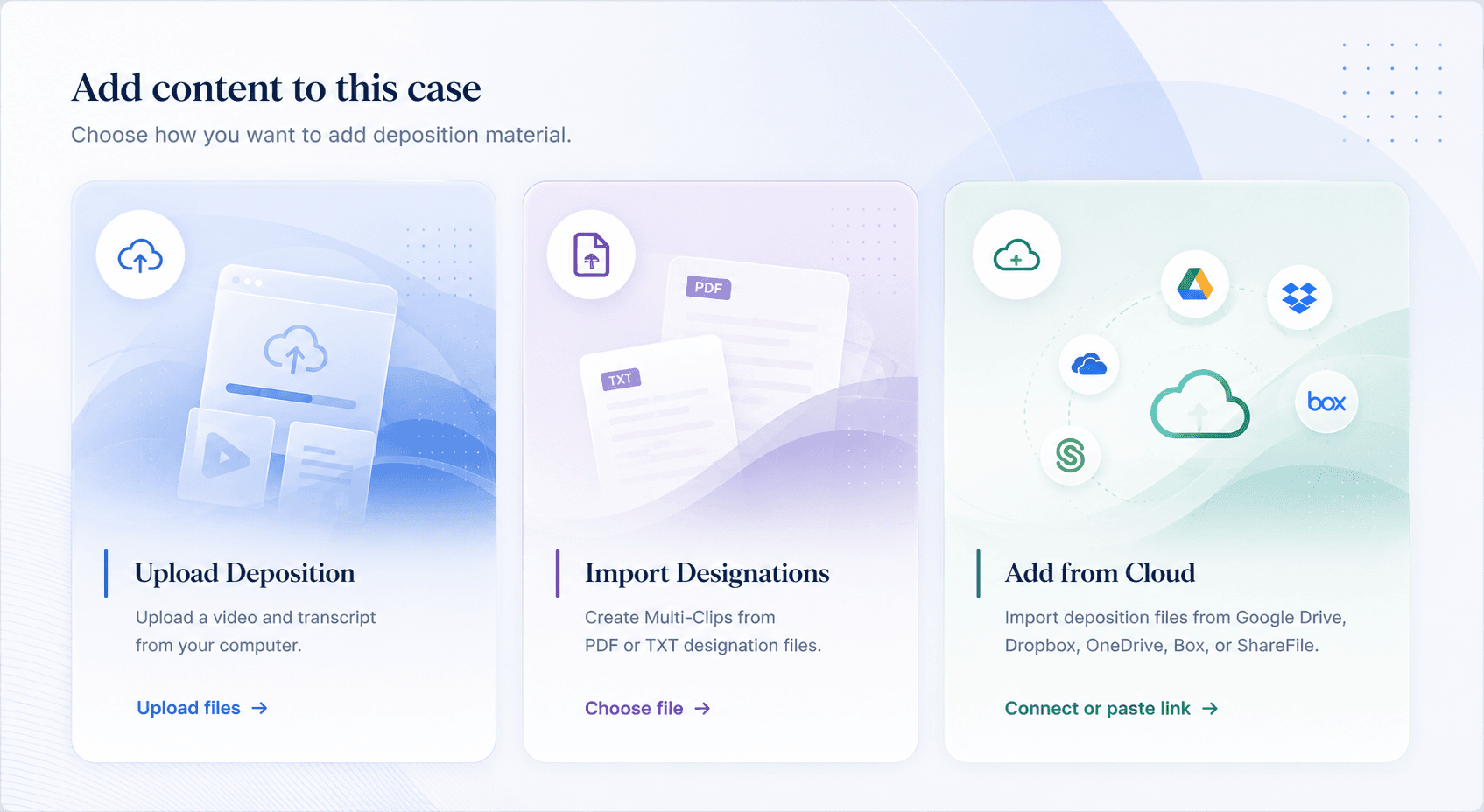
Add content options — Upload Deposition, Import Designations, and Add from Cloud

Frequently asked questions

Common questions about uploading, clipping, and exporting.

What video formats does DepoEdits accept?

MP4, MOV, MKV, AVI, and WebM. If your file is in a different format, convert it to MP4 before uploading. Most deposition videographers deliver MP4 by default.

What transcript formats are supported?

PDF and plain text (.txt). Court reporter ASCII exports work well. Scanned PDFs are processed using OCR and may take a few extra minutes.

How long does upload and processing take?

Video upload time depends on file size and your connection speed. Transcript processing usually takes under two minutes for a standard text-layer PDF. Scanned transcripts may take longer.

Is my data private?

Yes. Your deposition files, transcripts, and clip lists are stored in your account only. We don't share, analyze, or use your data for any other purpose. Your work product stays yours.

What export formats are available?

MP4 video files and a PDF clip list with page:line citations and runtime for each clip. Contact us if you need a specific format for trial presentation software like Trial Director or OnCue.

Can multiple people on my team access a case?

Yes. You can share a case with colleagues by inviting them from the case settings. They'll be able to view and edit the same depositions and clip lists.

What does DepoEdits cost?

Pricing is per deposition for editing, with optional monthly plans for firms that store multiple matters. See the pricing page for details.

I uploaded a transcript but lines are out of sync. What do I do?

This usually happens with condensed (4-up) transcripts or transcripts that don't follow standard page formatting. Contact support with your transcript file and we'll look at it. We're actively improving transcript processing for edge-case formats.

Still have questions?

Our team responds within minutes.

Contact support →