How it works

A walkthrough of DepoEdits.

From transcript to clip package in six steps — built for how litigation teams actually work.

01Create clips

Start with testimony — however your team works.

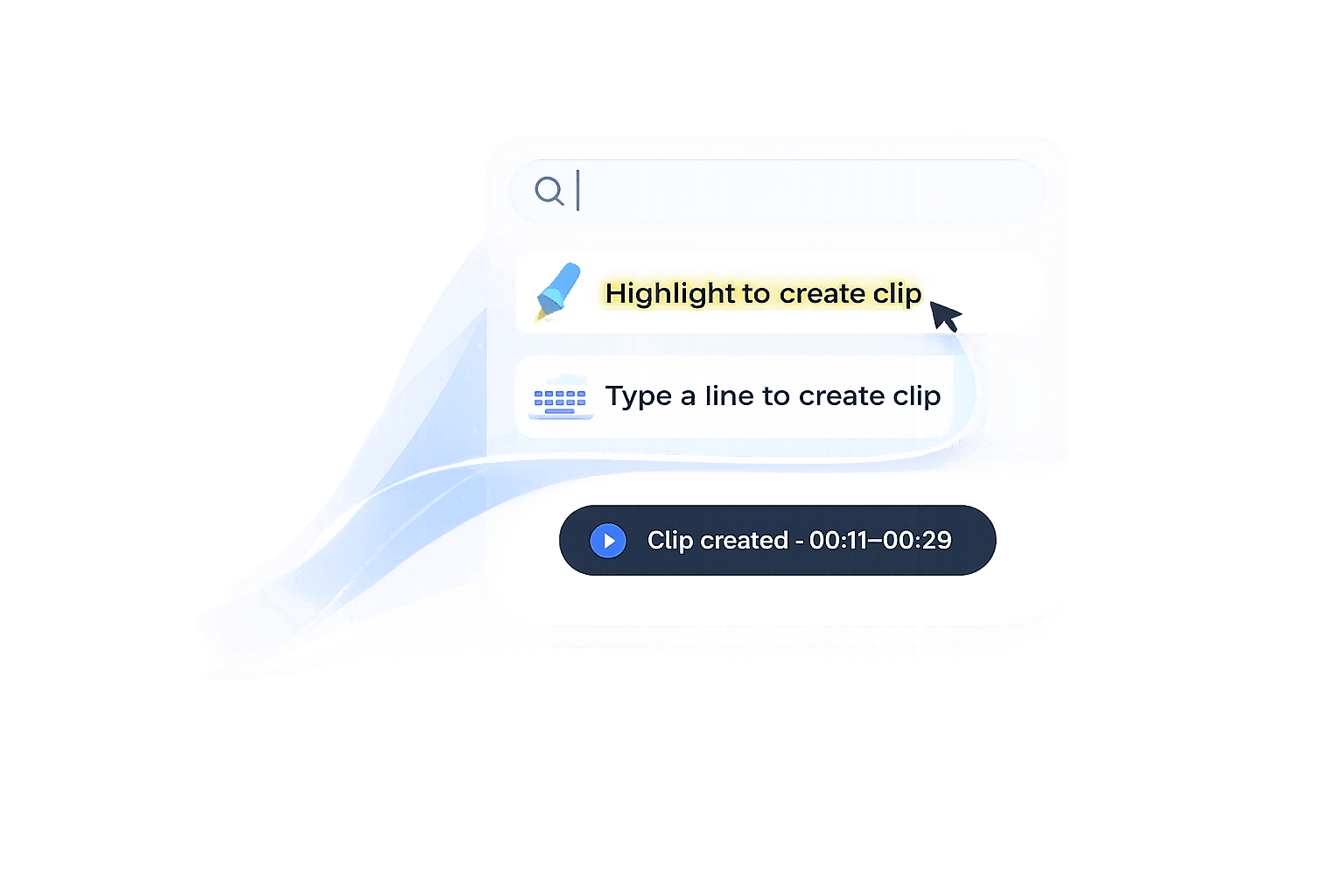
Highlight transcript lines, enter page:line citations, paste designation lists, or review suggested key testimony. Every method lands in the same clip list.

Ways to add clips

01

Highlight transcript

Select lines in the transcript panel

02

Page:line citation

Type 45:3 → 45:8

03

Designation list

Paste ranges from a spreadsheet

04

Key testimony

Review suggested findings by issue

02Key testimony

Review findings by issue type.

DepoEdits surfaces admissions, impeachment, notice, damages, and causation testimony with page:line citations. Review what matters, approve what you want, and add it to your package.

Suggested testimony · Brigham depo

Admissions

I knew the guardrail was damaged before the incident.

Page 45:1–45:5

Impeachment

Contradicts incident report timeline

Page 156:10–156:18

Damages

Future treatment was recommended

Page 347:12–347:17

+ 29 more findings

03Clip list

Your clips, organized and ready.

Every selection becomes a numbered clip with a title, page:line range, and runtime. Review the full list before you export — no surprises at delivery.

Clip List · RT: 00:51

01Treatment plan46:7–46:800:18
02Activity restrictions46:9–46:1000:11
03Notice testimony124:18–125:400:22
Export Clip(s)
04Workspace

Edit with transcript discipline.

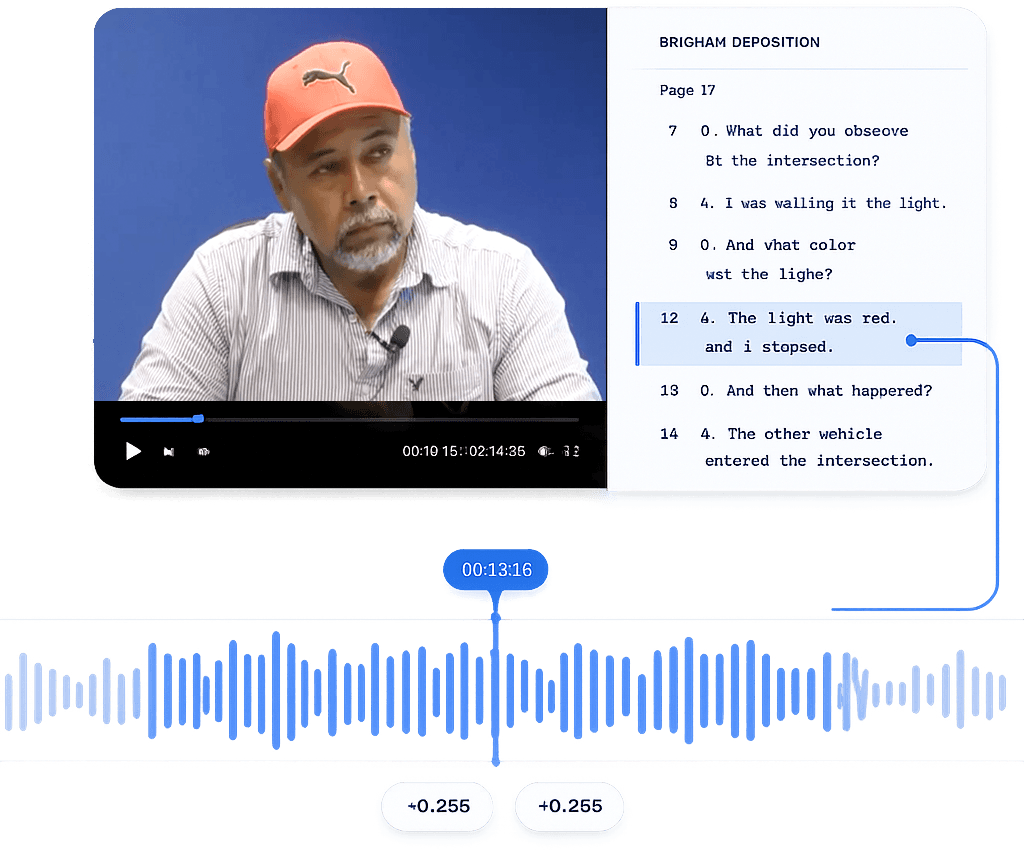
The workspace keeps video and transcript in sync. Create clips from citations, organize by designation, bulk-create from lists, and fine-tune in/out points when you need to.

Page 46 · 00:51
Synced transcript and video
Page:line clip creation
Multi-clip designations
Bulk clip creation
Fine-tune in/out points
05Export

One package. Done.

Export your video files and clip list together — formatted for trial, mediation, or client review. No repeat exports, no manual renaming.

Export package

Video File

.MP4

Clip List

.TXT

Export complete

Your clip package is ready for trial.

06The difference

What changes when you stop scrubbing timelines.

Traditional deposition editing means repeating the same slow steps for every clip. DepoEdits replaces that loop with a structured workflow.

Before

  • Find the page:line
  • Scrub the timeline
  • Set in/out manually
  • Export one clip
  • Repeat for every citation

With DepoEdits

  • Select testimony
  • Add to clip list
  • Review your package
  • Export once

Ready to try it on your next deposition?